University Football
Saved on this device. Sign in to keep it.
Call plays and control the action in a 3D college football game. Choose a quick match, build a Dynasty or use a room code to play a friend.
About University Football
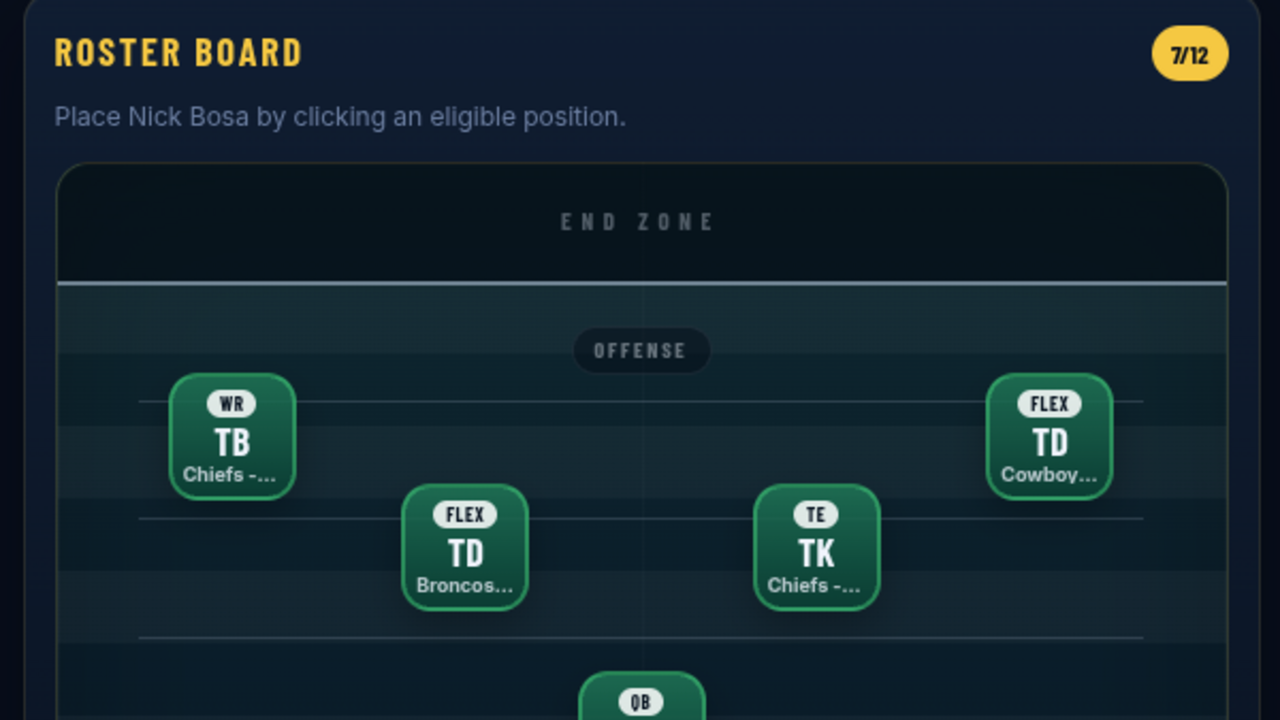
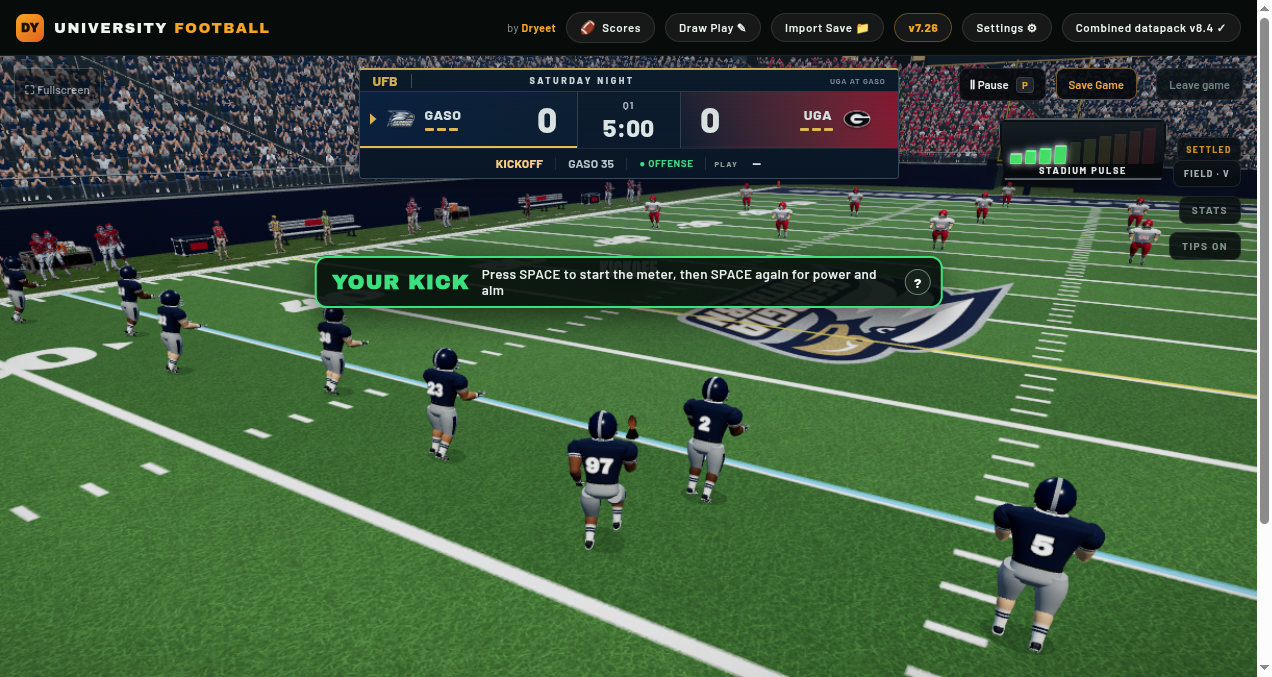
University Football is a browser American football game by Dr. Yeet Games. Choose teams and a venue for a Quick Game, set the quarter length and difficulty, then take the field. You call plays, move the ball carrier, choose a passing style and time kicks with a meter. Defense includes switching players, coverage adjustments and tackles.
Dynasty adds program management and recruiting, while Online offers head-to-head rooms. A practice field and a detailed English control guide help you learn the system. Games can be saved, and a save import option is available.
The first visit requires agreement to the developer’s terms and an approximately 254 MB combined data-pack download stored on the device. Settings include performance mode, camera motion and audio levels. Suggested audience: teens; the game depicts football tackles and includes recorded music. Children under 13 need parent or guardian permission under the developer’s terms. Team names and branding belong to their respective owners; no official college or league affiliation is claimed.
How to play
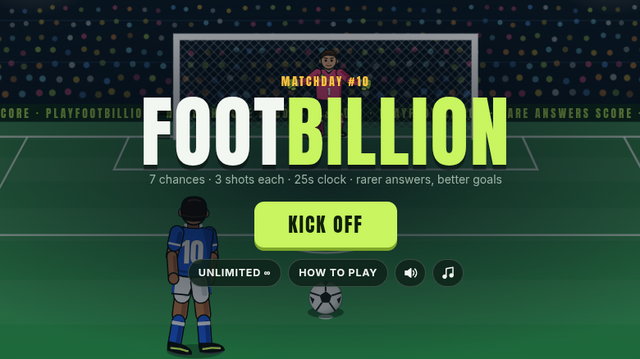
Accept the developer’s terms, then install the combined data pack in the game. Open Quick Game, choose your teams, quarter length, difficulty and venue, then select KICK OFF. Follow the kickoff meter prompts. Select one of three play cards before each snap, then control the ball carrier or defender. Use the How to Play guide and practice field to learn passing, catches, formations and tackles.
Controls
Use WASD to move and Shift for turbo. Choose play cards with 1, 2 or 3, or click them. Receiver numbers throw passes; hold and release for power. X changes Touch, Bullet or Lob. Q changes receiver control or switches defenders. Space handles timed kicks, dives and jump catches as prompted. E makes a wrap tackle or secure catch. J plus a direction sidesteps, C spins, L trucks and V cycles cameras. P or Esc pauses single-player games.
Features
- 3D college football with play calling and direct player control
- Quick Game with adjustable teams, venue, length and difficulty
- Dynasty program management and recruiting
- Online head-to-head room-code mode
- Practice field and English control guide
- Game saves and save import
- Performance mode and adjustable audio
Screenshots
FAQ
Is a download required?
There is no separate application to install, but the game requires an approximately 254 MB data pack downloaded inside the browser and stored on this device.
Can I play a friend?
The Online menu offers head-to-head games using room codes.
Can I save progress?
The in-game Save Game button stores progress. The menu also has an Import Save option.
How can I improve performance?
Enable Performance Mode in Settings to reduce rendering detail.