Monster Makeover
Saved on this device. Sign in to keep it.
Leaderboard
High score
- 1bananatron590
Run a cozy monster salon. Wash a yeti, trim a werewolf and shape a slime with colour, glitter and clips. Copy a picture wish or create your own look, then save it.
About Monster Makeover
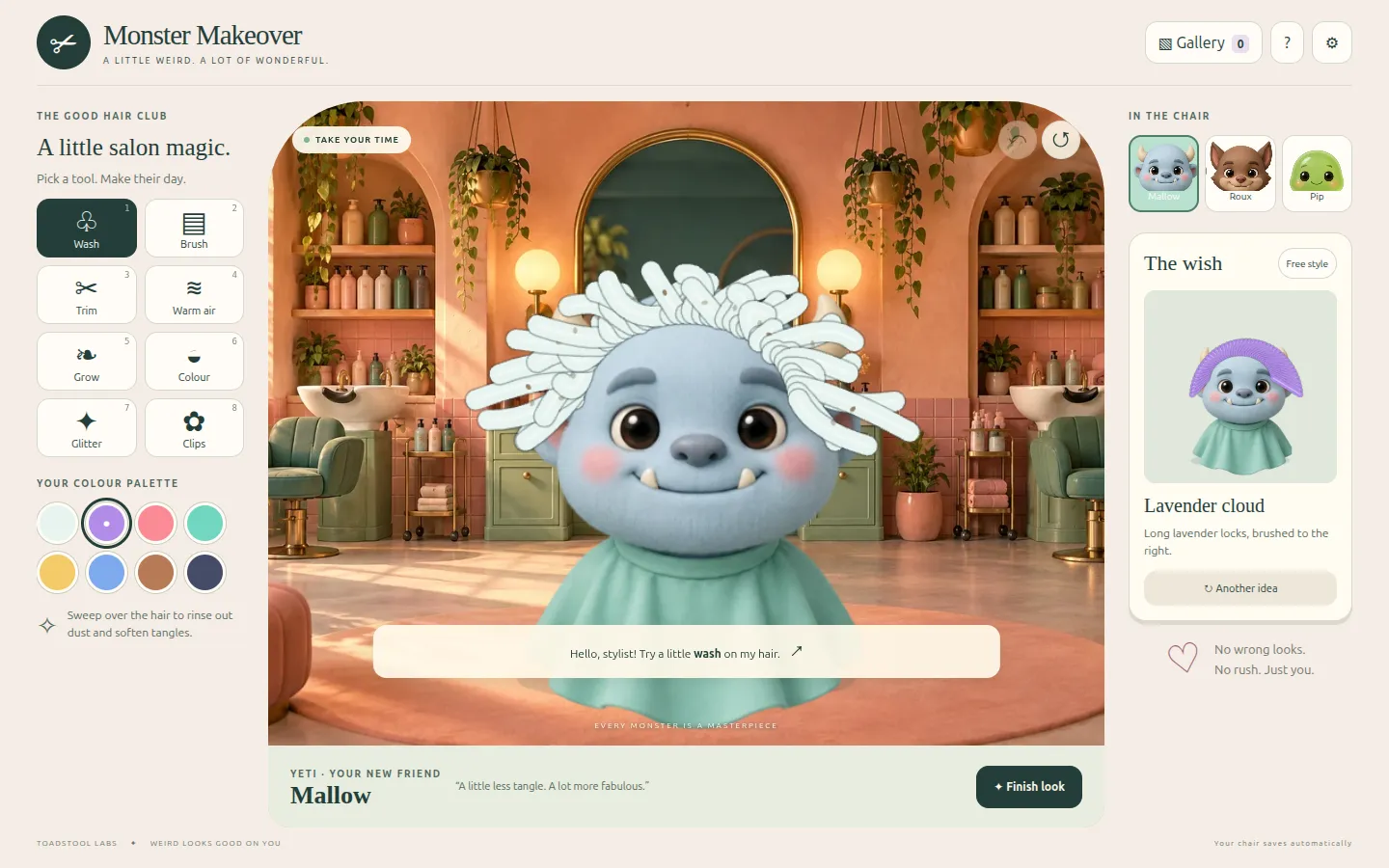
Welcome to the Good Hair Club, a cozy salon where every monster deserves a good hair day. Mallow the yeti arrives with dusty tangles, Roux the werewolf wants a look for the full moon, and Pip the slime brings their own gel. Pick a customer and get straight to styling, with no timer, no prices and no failure.
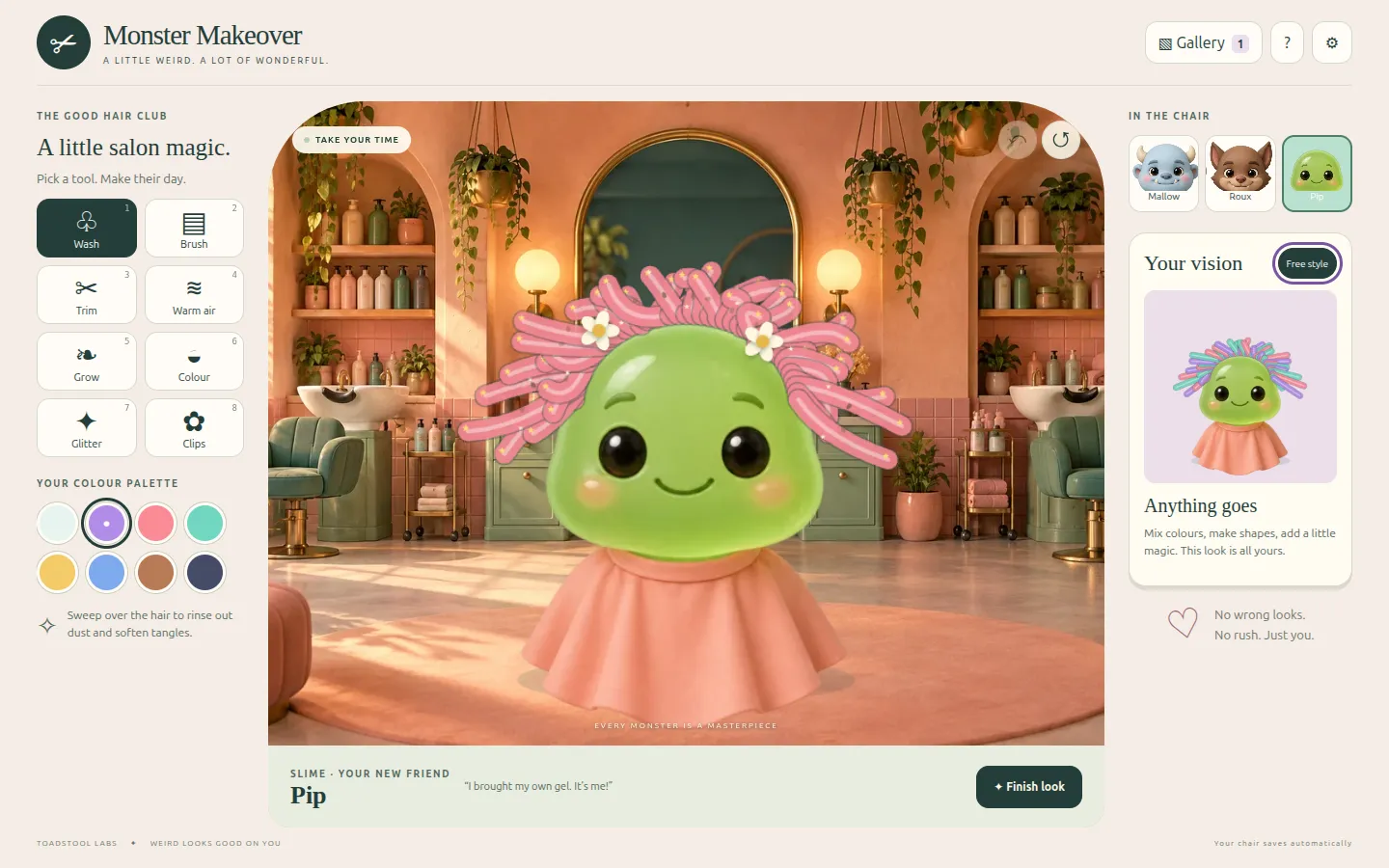
Each customer has three picture wishes, from a short moonlight crop to a long lavender cloud. Use the picture as inspiration or switch to Free style. Wash dust from individual locks, drag a brush to sweep them left or right, snip with scissors, and use warm air to dry and lift the hair. Grow brings back a cut lock, so you can keep experimenting. Pip has rounded gel tendrils that stretch into a new silhouette.
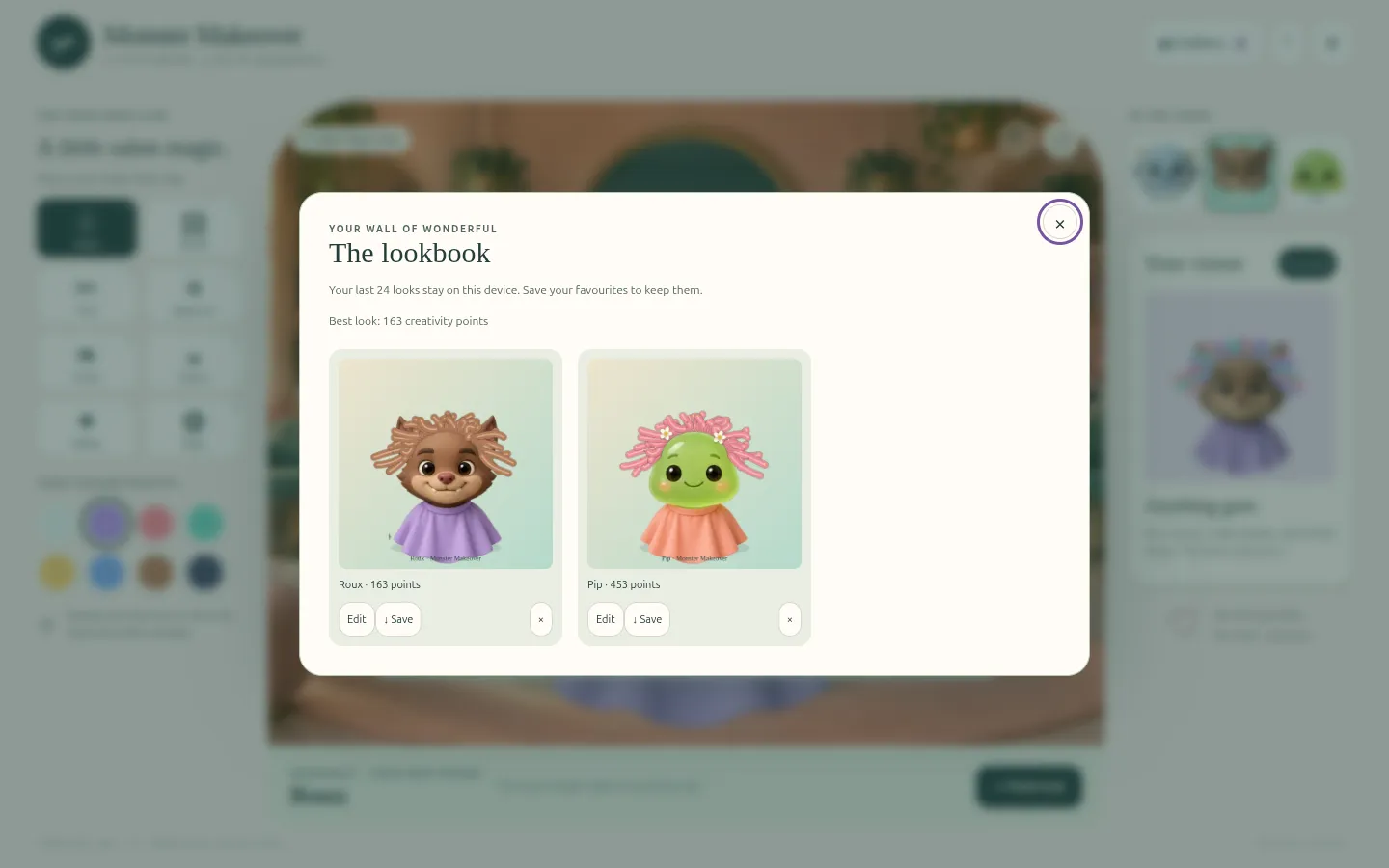
Paint locks with eight colours, add gold glitter, and place flower, star, bow or moon clips. Undo reverses the last stroke. Finish a look to hear a happy customer, save a portrait in the lookbook, and post its creativity points to the leaderboard. The gallery keeps your latest 24 looks on this device. Download a portrait or open a saved design to edit it again. Your three customers keep their current hairstyles when you reload.
How to play
Choose Mallow, Roux or Pip. Follow the picture wish or select Free style. Choose Wash and sweep over dusty hair, then drag Brush in the direction you want it to bend. Trim shortens locks, Grow brings them back, and Warm air dries them. Choose a colour and paint the locks. Sprinkle Glitter and place Clips to finish. Undo reverses a stroke, and Reset gives the current customer a fresh start. Finish look saves a portrait in your gallery. There is no timer and every customer is happy with your design.
Controls
Mouse or touch: choose a tool and drag over the hair; tap to place a clip. Keyboard: keys 1–8 select tools, arrow keys move the tool ring, Space applies the tool. Tab and Enter operate buttons. Ctrl/Cmd+Z undoes a stroke. Settings have separate music and sound volume controls and a gentle motion switch. Current hairstyles, gallery and settings save on this device.
Features
- Three friendly customers: a yeti, werewolf and slime
- Eight tools for washing, brushing, trimming, drying, growing, colouring, glitter and clips
- Nine picture requests and an open Free style mode
- Editable locks and slime tendrils that respond to your tools
- Eight hair colours and four clip designs
- Undo, regrowth and a fresh start at any time
- Saved gallery of 24 looks with portrait downloads and editing
- Relaxed play without timers or failure
- Mouse, touch and keyboard controls; separate audio volume and reduced motion
Screenshots
FAQ
Can I make my own hairstyle?
Yes. Select Free style to follow your own idea. Picture wishes are optional inspiration, and every customer likes your finished look.
Can I undo a haircut?
Use Undo for the last stroke or use Grow on short locks. Reset gives the customer a fresh start and can also be undone.
How do I save a makeover?
Choose Finish look to save a portrait in the lookbook. Your latest 24 looks stay on this device. Open Gallery to download a portrait, edit a saved style, or remove a look.
Does this game work on a phone?
Yes. Select a tool and drag with one finger over the hair. All buttons also work by touch. The layout adapts to portrait and landscape screens.
How are creativity points earned?
A finished look earns points for washing, brushing, using different tools, adding glitter and placing clips. There is no failure or required score.
Can I turn off sounds and motion?
Yes. Settings has separate sliders for music and sound effects. Set either to zero to mute it. Turn off Gentle motion to stop hair sway and particles.